Residential coverage
Front door cameras, video doorbells, driveway cameras, garage coverage, backyard views, side-gate cameras, outdoor night vision, wired cameras, wireless options, and app setup.
Security camera installation, CCTV, access control, repair, upgrades, remote viewing, and low-voltage service near Arcadia, CA.
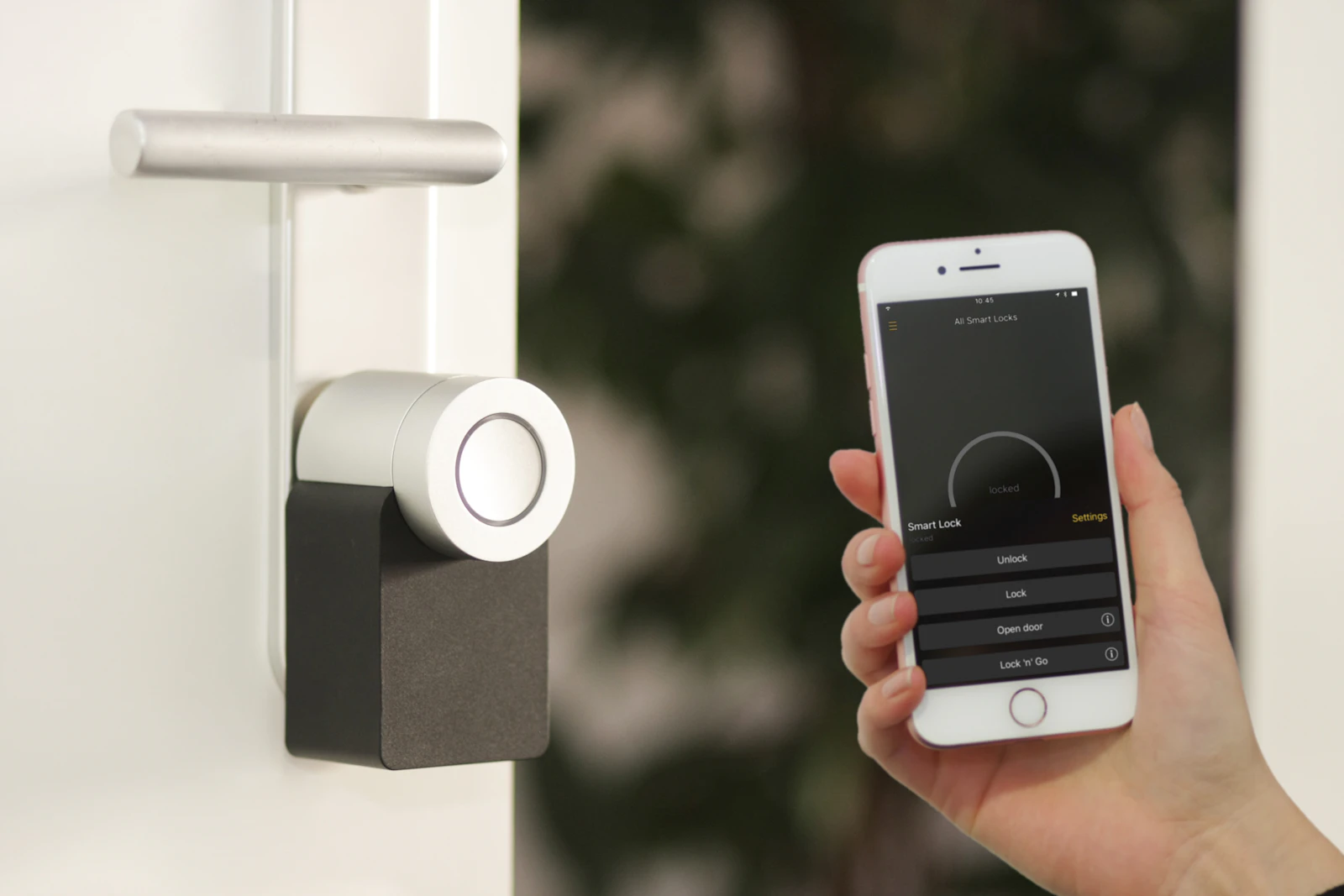
Eagle Star Security supports Arcadia homeowners, businesses, apartment buildings, HOAs, offices, retail properties, restaurants, warehouses, and parking areas with professional security camera installation, CCTV installation, IP camera systems, NVR/DVR recording, access control, video intercoms, gate entry, remote viewing, and repair or upgrade work.
Useful camera coverage starts with the property: front doors, driveways, garages, side gates, alleys, lobbies, loading areas, cash-wrap zones, parking lots, restricted rooms, and shared entries. Eagle Star designs around those sightlines so the system records useful evidence instead of random footage.
For commercial and multi-location businesses near Arcadia, Eagle Star can help plan centralized viewing, user permissions, recorder storage, mobile access, entry security, access control, and support for managers who need to verify activity without being onsite.
Many service calls begin with practical problems: cameras are not recording, the mobile app stopped connecting, the night view is poor, the old DVR is hard to search, or a business needs better visibility at more than one entrance. Eagle Star can evaluate whether a repair, targeted upgrade, new recorder, additional camera, cabling cleanup, or full replacement is the most sensible path.
The goal is not just more equipment. The goal is a security camera or access control system that gives the property owner a clearer view, dependable recording, easier playback, and a support path when settings, users, phones, routers, or business needs change.
Call (626) 806-6676 for security camera installation near Arcadia, CCTV repair, access control installation, remote viewing setup, camera upgrades, or low-voltage wiring support.
Front door cameras, video doorbells, driveway cameras, garage coverage, backyard views, side-gate cameras, outdoor night vision, wired cameras, wireless options, and app setup.
Retail, office, restaurant, warehouse, apartment building, medical office, school, nonprofit, parking area, and multi-camera NVR systems with remote viewing.
Help with cameras not recording, NVR/DVR trouble, mobile app problems, poor night vision, broken cameras, old analog CCTV upgrades, wiring issues, and video backup.
Arcadia homes, offices, retail locations, and warehouse spaces may need camera coverage for parking, deliveries, rear doors, side entrances, and customer-facing areas. Larger lots and commercial zones can benefit from PTZ cameras, LPR/license plate camera planning, 4K IP cameras, and reliable NVR recording. Eagle Star can design systems for both residential and business security needs.
Eagle Star supports security camera installation, CCTV installation, residential surveillance systems, commercial security cameras, access control installation, video intercoms, gate access control, NVR/DVR systems, remote viewing setup, security camera repair, old CCTV upgrades, low-voltage wiring, structured cabling, and business networking. The goal is a system that records clearly, is easy to review, and can be supported after installation.
Call (626) 806-6676 or email [email protected] to discuss a Arcadia security camera installation or upgrade.
Every local project starts with the same practical questions: what needs to be seen, what needs to be recorded, who needs access, and what has failed in the past. For homes, that may mean front door cameras, driveway coverage, garage cameras, side gate coverage, outdoor security cameras, video doorbells, and mobile viewing. For businesses, it may mean commercial CCTV, user permissions, parking coverage, access control, intercoms, NVR/DVR recording, and support for multiple users or multiple locations.
Good planning also reduces surprises. Wiring routes, network equipment, recorder storage, camera type, mounting surfaces, lighting, and future expansion should be discussed before installation. That is how Eagle Star keeps the system practical, serviceable, and useful after the first day.
Eagle Star Security supports Pasadena and nearby Los Angeles County communities.
Arcadia properties range from retail corridors and restaurants to homes with long driveways, garages, and side-yard access. Security planning should cover deliveries, parking, entrances, gates, and nighttime visibility. Eagle Star supports commercial CCTV, residential cameras, access control, NVR recording, and remote owner viewing in Arcadia.
Useful local systems usually combine security camera installation, CCTV repair, NVR or DVR recording, remote viewing setup, low-voltage cabling, access control, video intercoms, and practical support after installation. Eagle Star evaluates the property first so the system records the views that matter instead of adding equipment without a plan.
Arcadia properties often mix residential driveways, retail storefronts, restaurants, office suites, and parking areas. A business may need cameras at the front door, cash area, stock room, rear entrance, and parking lot, while a home may need front door, driveway, garage, and side gate coverage. Eagle Star can help decide whether the property needs IP cameras, an NVR system, outdoor night vision, access control, intercoms, or repair of an older CCTV system. The best estimate starts with how the property is used, not just a camera count.
Useful local estimates should document camera locations, recording hardware, cable paths, network condition, mobile users, access control needs, and service expectations. That makes the system easier to maintain and easier to improve later.
The review should begin with entrances, exits, driveways, parking areas, gates, garages, storage rooms, employee-only spaces, package areas, and any place where disputes or liability may happen. For each location, Eagle Star can decide whether the property needs an identification camera, an overview camera, a wider exterior view, a door or gate camera, or access control.
The technical review should also include cable paths, power, network equipment, recorder placement, storage capacity, remote viewing users, app access, and how footage will be exported. A camera system can look complete but still fail if the recorder is hidden, the password is unknown, the mobile app is shared by too many people, or the camera angle cannot identify a face or vehicle.
For businesses and multi-family properties, access control and camera coverage should be discussed together. A card reader or gate keypad is more useful when nearby video confirms who used it. A video intercom is more useful when the camera angle and lighting support visitor verification. A parking lot camera is more useful when it is paired with good mounting height, night visibility, and realistic expectations about license plates and distance.
After installation, the owner should know how to check live video, search playback, export a clip, confirm recording, manage authorized users, and request support. That practical handoff is one of the differences between buying equipment and building a security system that can be used under pressure.
Before approving a camera or access control project, ask which views will identify people, which views are only for context, how night scenes will look, how footage will be searched, how long video will be stored, and who will have mobile access. Ask what happens if the router changes, if an employee leaves, if a phone is replaced, or if a camera stops recording. These questions matter because most frustration comes after installation, when the customer needs footage quickly.
A strong local system should also be easy to explain. Camera names should match real locations. The NVR or DVR should be accessible to authorized users. Remote viewing should be tested before the job is complete. Access control users should be documented. If existing equipment is reused, the customer should understand what is being reused, what is being replaced, and what limitations remain.
Post-installation support is part of the value. A useful system should still make sense when a customer changes phones, changes routers, adds a user, needs footage for an incident, or wants to expand coverage later. Eagle Star can help customers understand live view, playback, export, user access, recorder health, and the practical steps that keep cameras and access control dependable.